
Advanced Excel and Power BI: The Gateway to Passing CPA Business Data Analytics (BDA)
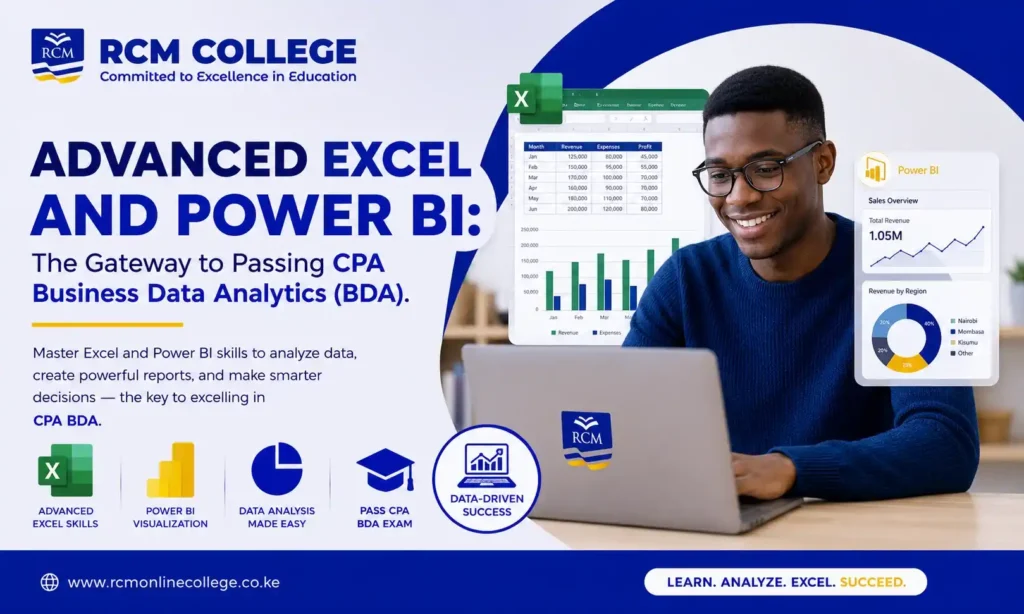
In today’s data-driven business environment, accountants are expected to do more than prepare financial statements and maintain records. They are increasingly required to analyze data, generate insights, and support strategic decision-making. This is precisely why Business Data Analytics (BDA) has become a critical unit in the CPA curriculum. To succeed in this paper, mastering Advanced Excel and Power BI is essential.
ENROLL for Advanced Excel and Power BI Training at RCM Online College
Why CPA BDA Matters
CPA BDA equips students with the skills needed to collect, process, analyze, and interpret business data. The unit focuses on transforming raw data into actionable information that organizations can use to improve performance and gain a competitive advantage.
Advanced Excel: The Foundation of Data Analytics
Microsoft Excel remains one of the most powerful and widely used business analytics tools worldwide. It enables users to organize, clean, manipulate, and analyze large datasets efficiently.
Key Excel skills that support success in CPA BDA include:
- Data sorting and filtering
- Logical functions such as IF, AND, and OR
- Lookup functions including VLOOKUP, XLOOKUP, INDEX, and MATCH
- Pivot Tables and Pivot Charts
- Conditional Formatting
- Data Validation
- What-If Analysis
- Statistical functions
- Dashboard creation
- Power Query for data transformation
These features help students understand how to analyze business information, identify trends, and generate meaningful reports skills that are frequently tested in the BDA examination.
Power BI: Turning Data into Business Intelligence
While Excel is excellent for data analysis, Power BI takes analytics to a higher level by enabling users to create interactive visualizations and business intelligence reports.
Power BI allows students to:
- Connect to multiple data sources
- Clean and transform data
- Build interactive dashboards
- Create advanced visual reports
- Monitor business performance in real time
- Perform data modeling and analysis
- Present insights in a professional and user-friendly format
As organizations increasingly adopt business intelligence tools, Power BI skills are becoming highly valuable for accountants, auditors, analysts, and finance professionals.
How Excel and Power BI Complement CPA BDA
BDA is not simply about performing calculations. It is about extracting insights from data and communicating findings effectively.
Advanced Excel helps students:
- Prepare and analyze datasets.
- Perform calculations and statistical analysis.
- Organize large volumes of information.
Power BI helps students:
- Visualize data clearly.
- Create dashboards and reports.
- Identify patterns and trends quickly.
- Present analytical findings to decision-makers.
Together, these tools provide the practical skills required to excel in CPA BDA and in the modern workplace.
Common Challenges Faced by CPA BDA Students
Many students find BDA challenging because:
- Limited exposure to data analytics tools.
- Focus heavily on theory and neglect practical application.
- They struggle with interpreting data visualizations.
- They lack confidence in handling large datasets.
- Insufficient practice using Excel and Power BI.
Tips for Passing CPA BDA on Your First Attempt
- Master Advanced Excel: Develop confidence in formulas, Pivot Tables, Power Query, and dashboard creation.
- Learn Power BI Early: Practice building reports and dashboards using different datasets.
- Focus on Practical Application: Apply concepts to real business data rather than relying solely on theoretical notes.
- Practice Past Examination Questions: Understand how KASNEB tests analytical thinking and problem-solving skills.
- Strengthen Data Interpretation Skills: Learn how to draw conclusions from charts, graphs, and reports.
- Stay Updated with Analytics Trends: Familiarize yourself with emerging technologies in data analytics and business intelligence.
- Attend Practical Training Sessions: Hands-on training in Excel and Power BI significantly improves understanding and examination performance.
RCM ONLINE COLLEGE Advanced Excel and Power BI Training
RCM Online College is offering Advanced Excel and Power BI training at highly affordable rates.
Details
- 1 month program
- Weekend classes
- Commencement Date: July 4th
- Charges – Kshs. 6000 Only
- Location- Commonwealth Building, 5th Floor Opposite Galitos
Reach out RCM Online College help desk 0719 525 000 or 0793 555 000 or visit us at Commonwealth Building, 5th Floor Opposite Galitos to ENROLL!


Responses